To video call a cam girl on CallMeHot all you need is a browser and a few minutes: sign up for free with an email address and a nickname, pick a creator who offers video calls, message her in chat to agree on the details, top up your tokens and buy the video call service you prefer. The call happens inside the site, with no number to dial and nothing to install.
When the creator is ready, your browser asks for permission to use the microphone and camera and the video call connects: that's when your service time starts. You can keep your camera and microphone off, and the creator only sees your nickname.
What you need before you start
- A device with a browser: computer, smartphone or tablet. It works on your phone without downloading an app; if you like, you can install the web app.
- A stable connection: Wi-Fi or a good mobile network is best, so you don't lose minutes to a bad signal.
- A free account: sign up with an email address and a nickname and confirm your address from the link you receive. You don't need to register to browse profiles.
- Tokens in your balance: they're sold in packs by card or PayPal, from €9 for 110 tokens. No subscription.
The video call, step by step
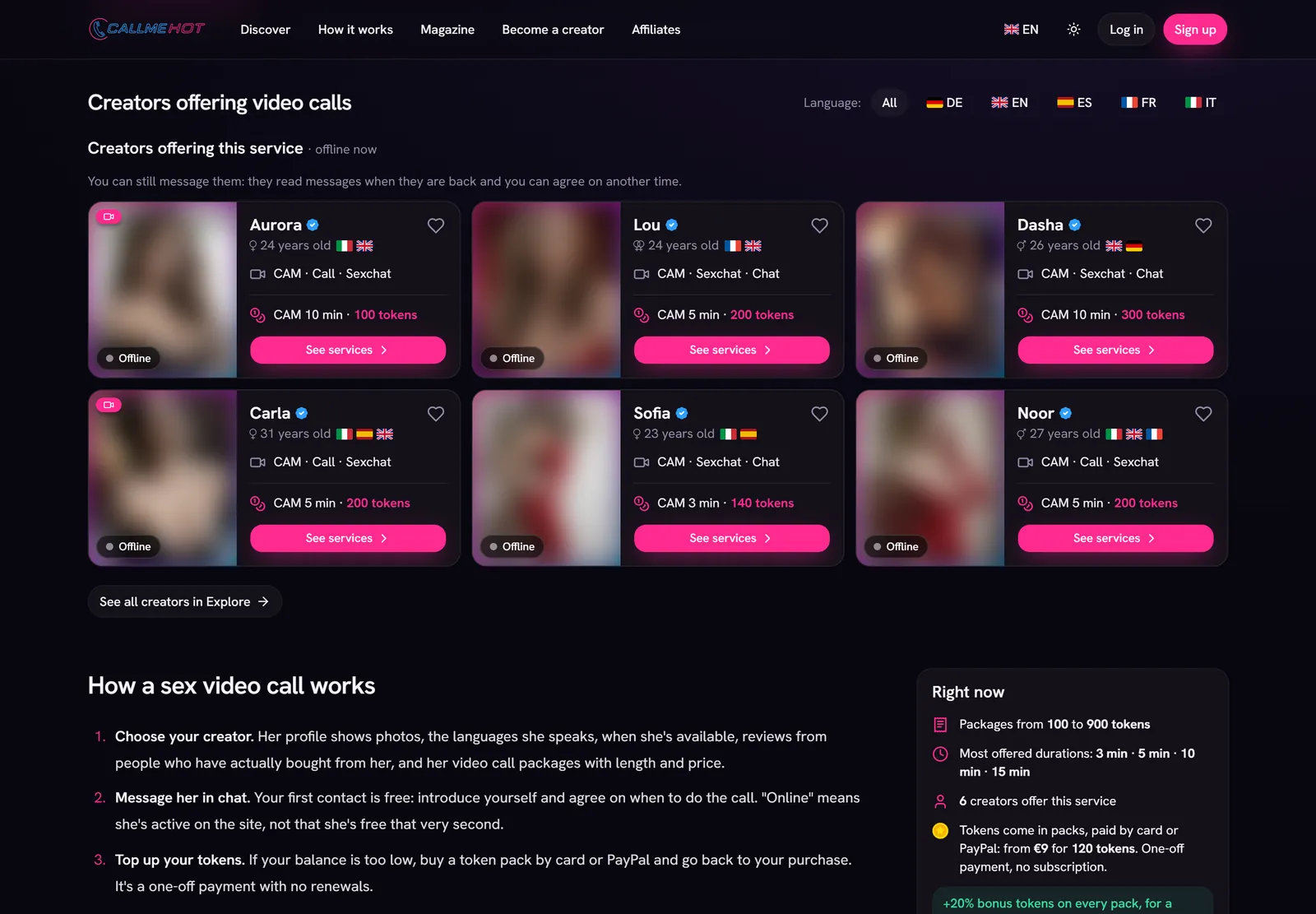
- Choose your creator: open the sex video calls page or the list of online cam girls. Creators who are active right now appear first.
- Read her profile: you'll find photos, languages, country, services with prices, availability hours and reviews from people who have already bought from her.
- Message her in chat: as a new user you can send your first 5 messages to each creator for free. Use them to introduce yourself and ask when she's free.
- Top up your tokens if your balance is too low.
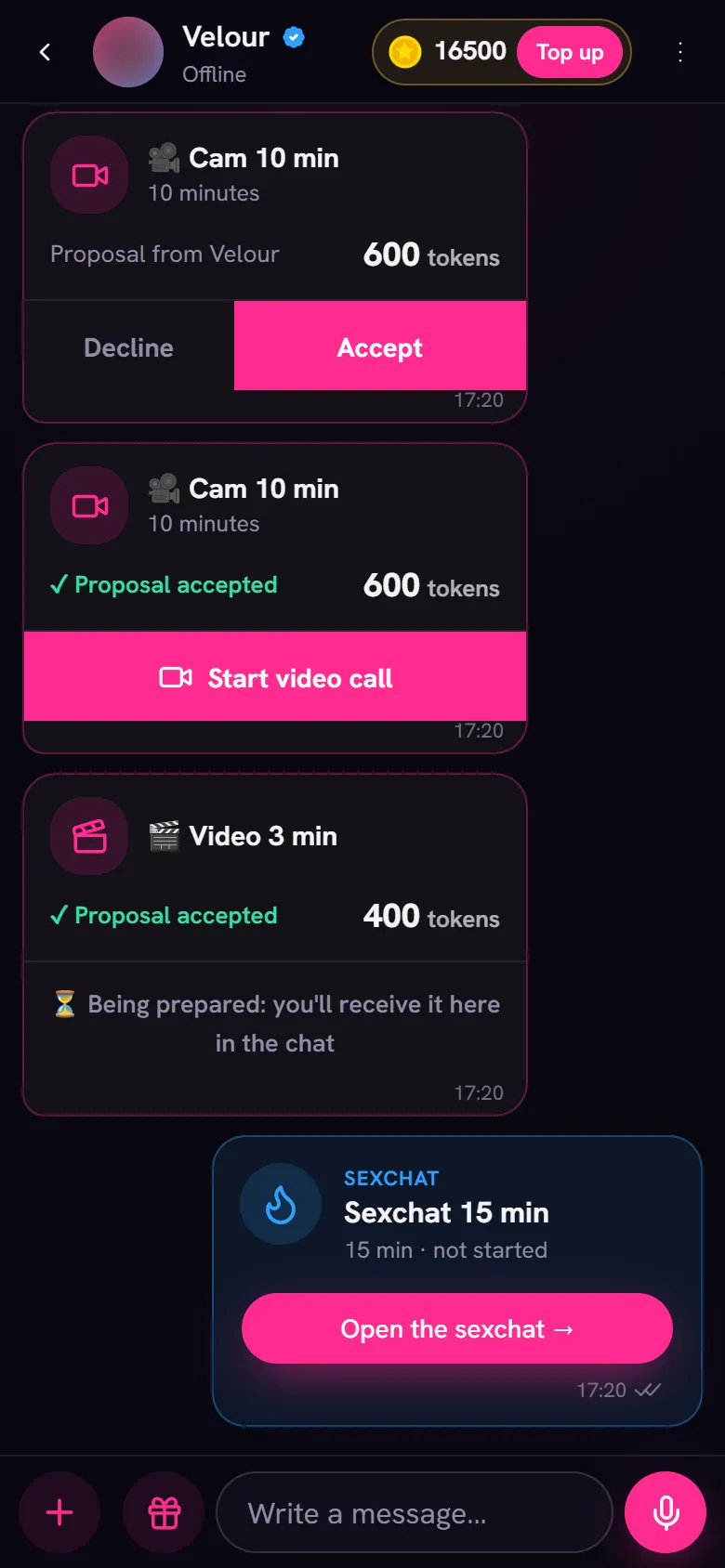
- Buy the service: choose a length from the ones the creator offers. Video call services cost from 50 to 3000 tokens (about €5–300).
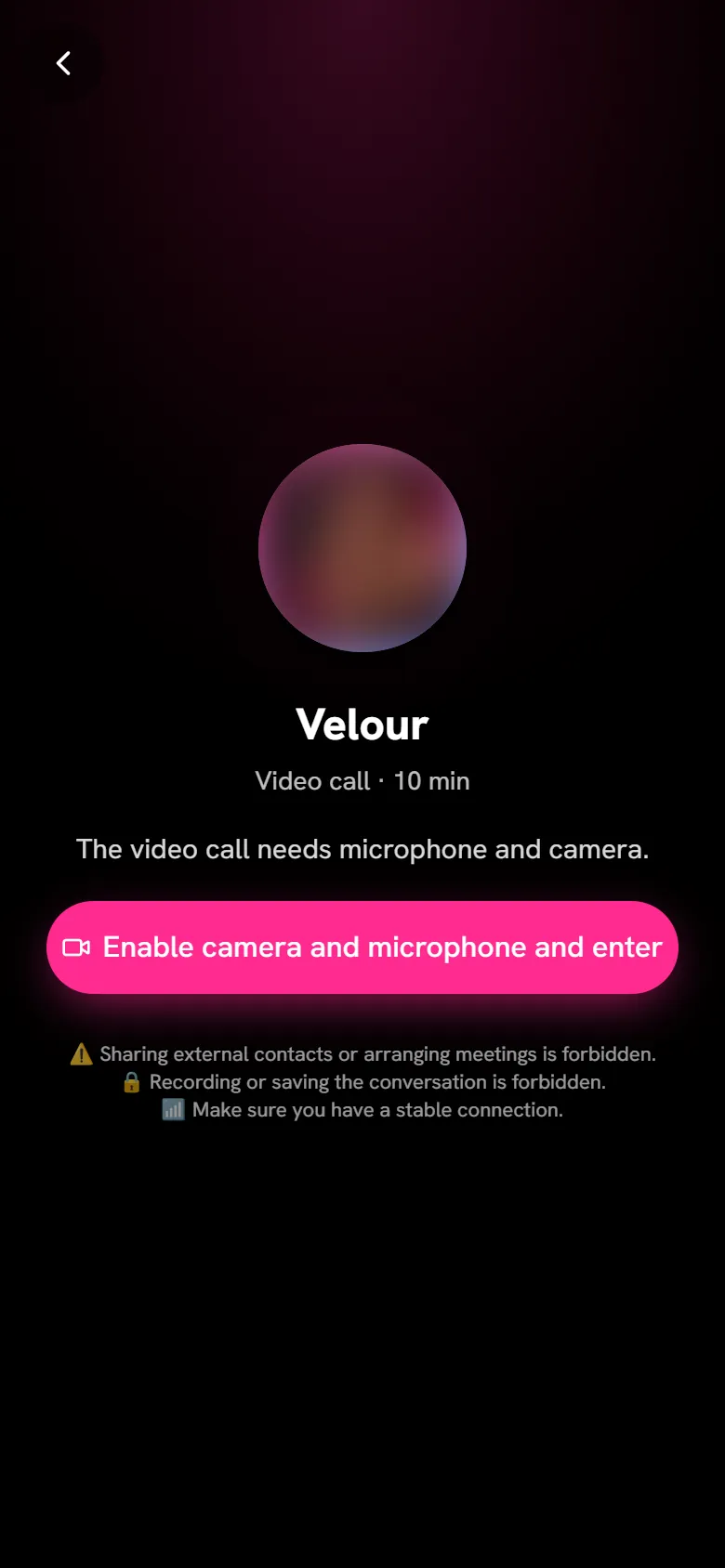
- Allow microphone and camera access when your browser asks. Without this permission the call can't start.
- Start the video call: once the connection is established, your service time begins.
How to choose the right creator
A video call works better when there's chemistry. Before you buy, take your time over her profile: the flags show the languages the creator speaks, so you can look for English speakers on the English-speaking cam girls page, for an Italian on the Italian cam girls page, or for someone who speaks another language you know. Her availability hours tell you when she's usually around, and reviews only come from customers who have actually bought from her.
Every creator is a real person, verified by our staff with an ID document and a selfie before she can work on the site. There are no call centre operators and no AI-generated profiles.
Why it pays to arrange things in chat first
Her profile shows whether a creator is online, but "online" means she's active on the site right now, not that she's free straight away: she might already be in another session. Messaging her first saves you waiting and lets you:
- set a time that suits you both;
- make clear what you're hoping for, within the platform's rules;
- ask for a custom service, if the length you want isn't on her price list.
The regular chat isn't paid per message: after your free first messages and your first top-up it stays free. The creator replies when she can, though, and she can choose to reply only to people who have already topped up.
During the video call
Once you're connected, you control everything from the buttons at the bottom:
- Camera: you can keep it off for the whole call. The creator only sees you if you decide to turn it on.
- Microphone: you can mute it and communicate in writing only, since you can also send each other text messages during the video call.
- Extension: if you want to keep going, buy more time without hanging up.
- Tips: optional, if you want to thank the creator.
The price is the price of the service you chose: there's no meter running while you talk. To understand how the cost is worked out, read the guide on how much a sex video call costs.
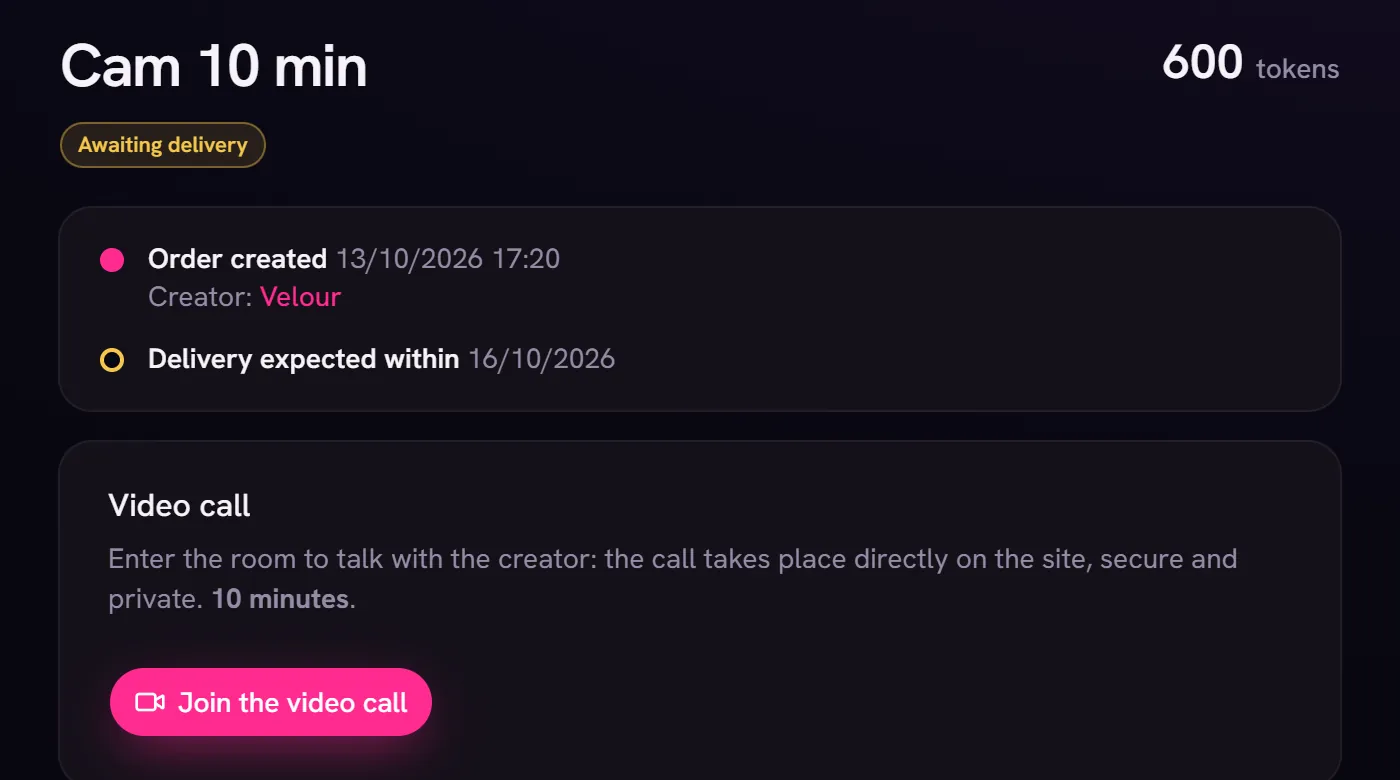
On your phone
On a smartphone the process is the same: open the site in your browser, log in, choose the creator and buy the service. When the call starts your phone asks you to allow the microphone and camera; if you've denied permission in the past, you can turn it back on in your browser's site settings. There's nothing to install, but you can add the web app to your home screen to find it faster.
Privacy and safety
You sign up with an email address and a nickname, and the creator only sees your nickname. Your phone number is never asked for or shared, because the video call runs through the site, not over a phone line. Conversations stay inside the platform: the creator can't give you her number, WhatsApp, Telegram or social media, and in-person meetings or payments outside the site are not allowed.
Your card statement shows a neutral descriptor from the payment processor. Tokens you spend are held in escrow until the service has been delivered: if the video call doesn't happen within the order deadline they come back to you, and after it ends there's a short window to open a dispute from the order page.
If something doesn't work
- No sound or no picture: check that you've allowed your browser access to the microphone and camera, and that no other app is using them.
- The creator doesn't answer: message her in chat. If the service isn't delivered within the order deadline, your tokens are returned.
- The session didn't go as expected: open a dispute from the order page right after it ends; our staff will look into it.